
DigiPlay: a digital signage platform to manage screens for multiple clients
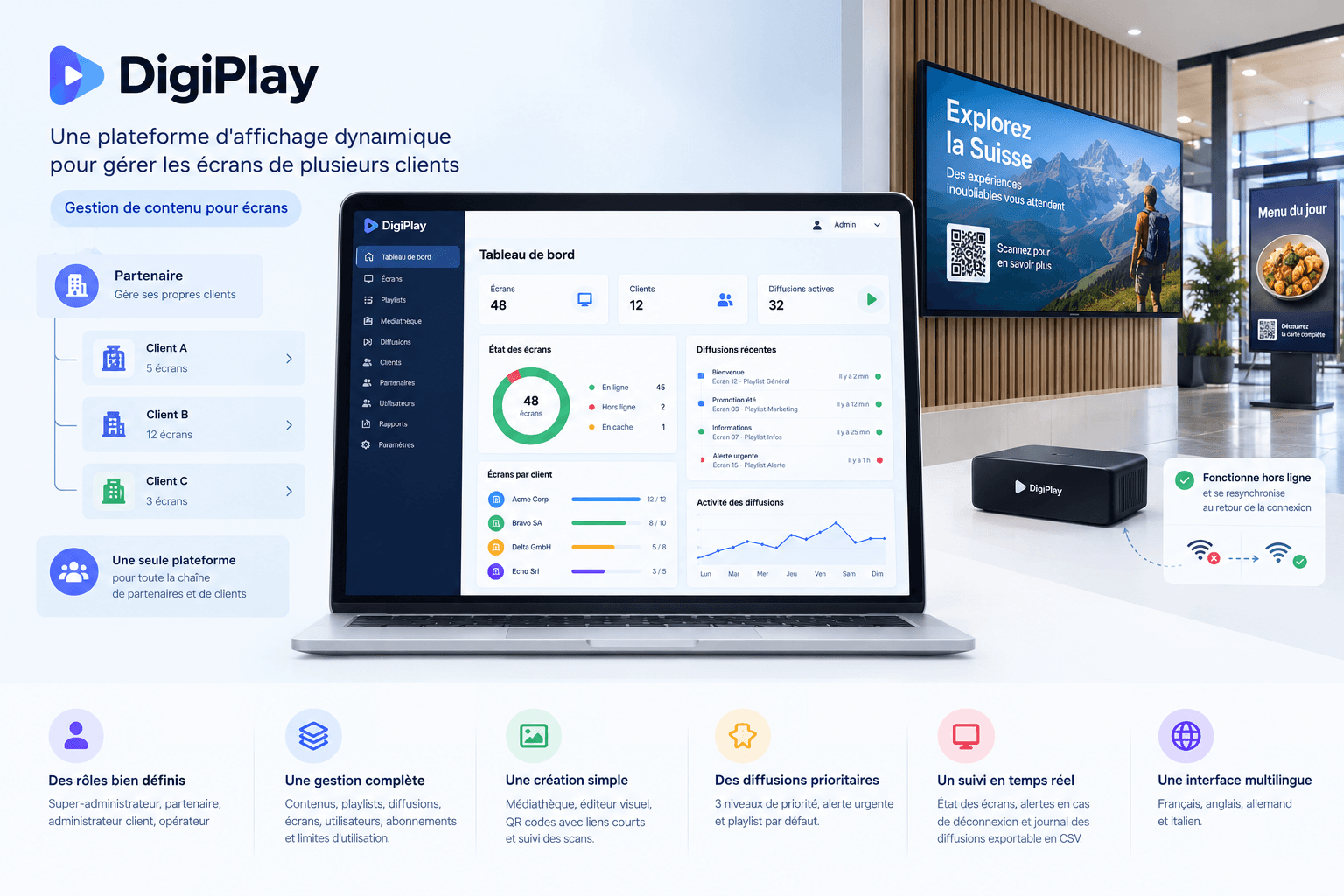
DigiPlay is a digital signage platform a Swiss company uses to manage screens on behalf of its own clients — one tool for partners, their clients, and their screens.
The Challenge
The company offers this service to partners, who in turn offer it to their own clients, as a subscription. It has to manage partners, their clients, their subscriptions, and their usage limits within the same tool.
Managing the content shown on screens belonging to several clients needs a clear structure. Each client has to be able to edit its own content without a technician, with no access to other clients' screens or content. The platform owner has to manage all of it from a single tool.
The Solution
A platform for multiple clients
Four roles organize access. The super-admin manages the whole platform. The partner manages its own clients. The client admin manages its screens and users. The operator edits content within the scope it was given.
From the media library to the broadcast
The operator adds images and videos to a media library, composes pages with a visual editor, then arranges them into playlists with a duration and a transition for each page. Pages can also hold QR codes linked to short links, and the platform counts the scans on each link.
Broadcasts that respect priority
Three priority levels settle overlaps: the highest-priority content shows. At equal priority, the most recent broadcast wins. An urgent alert replaces every other content. A default playlist keeps the screen from going blank when nothing is scheduled.
Connected screens that keep working offline
The player shows a code and a QR code; the admin enters the code in the platform and the screen is ready. The player runs in a browser and is also available for Android TV. After a power cut, it restarts on its own, with no new connection needed. If the network drops, the player keeps broadcasting its cached content and resyncs once the connection is back.
Screen monitoring and a broadcast history
A live monitor shows the status of every screen. If a screen stays disconnected for 15 minutes, the system notifies the platform admin. The player logs the content shown, the screen, the date, the time, and the status of each broadcast. The team reviews this log in the platform, filters it by date, screen, or playlist, and exports it to CSV.